User Guide / Registration and Sign In
Registration and Sign In
Use the sign-in methods enabled on your site. Register an account first when using email and password.
How to sign in
Step 1: Open the sign-in page
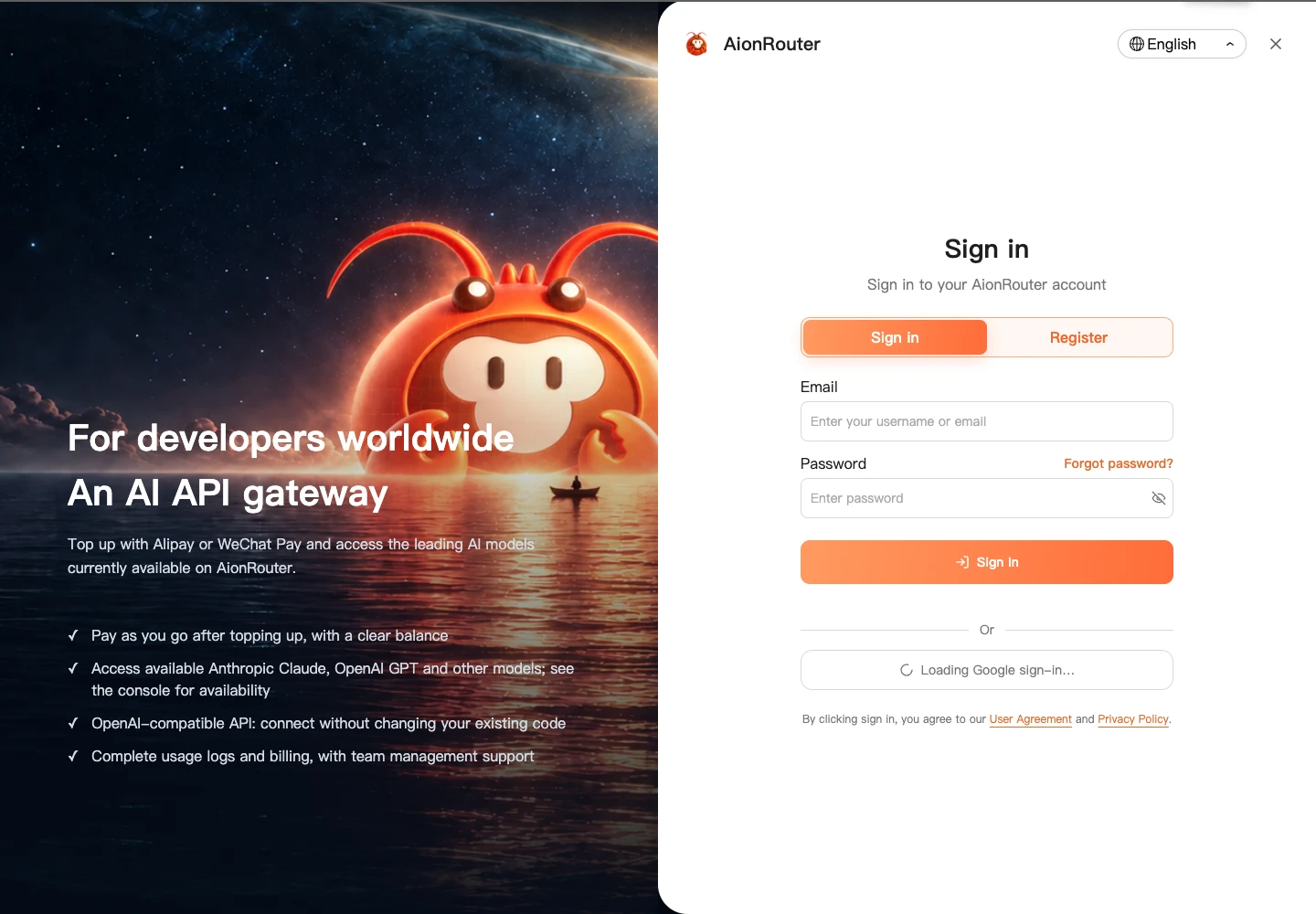
Open the AionRouter sign-in page. Enter your email and password, or select an available third-party sign-in method.
Step 2: Sign in and enter the console
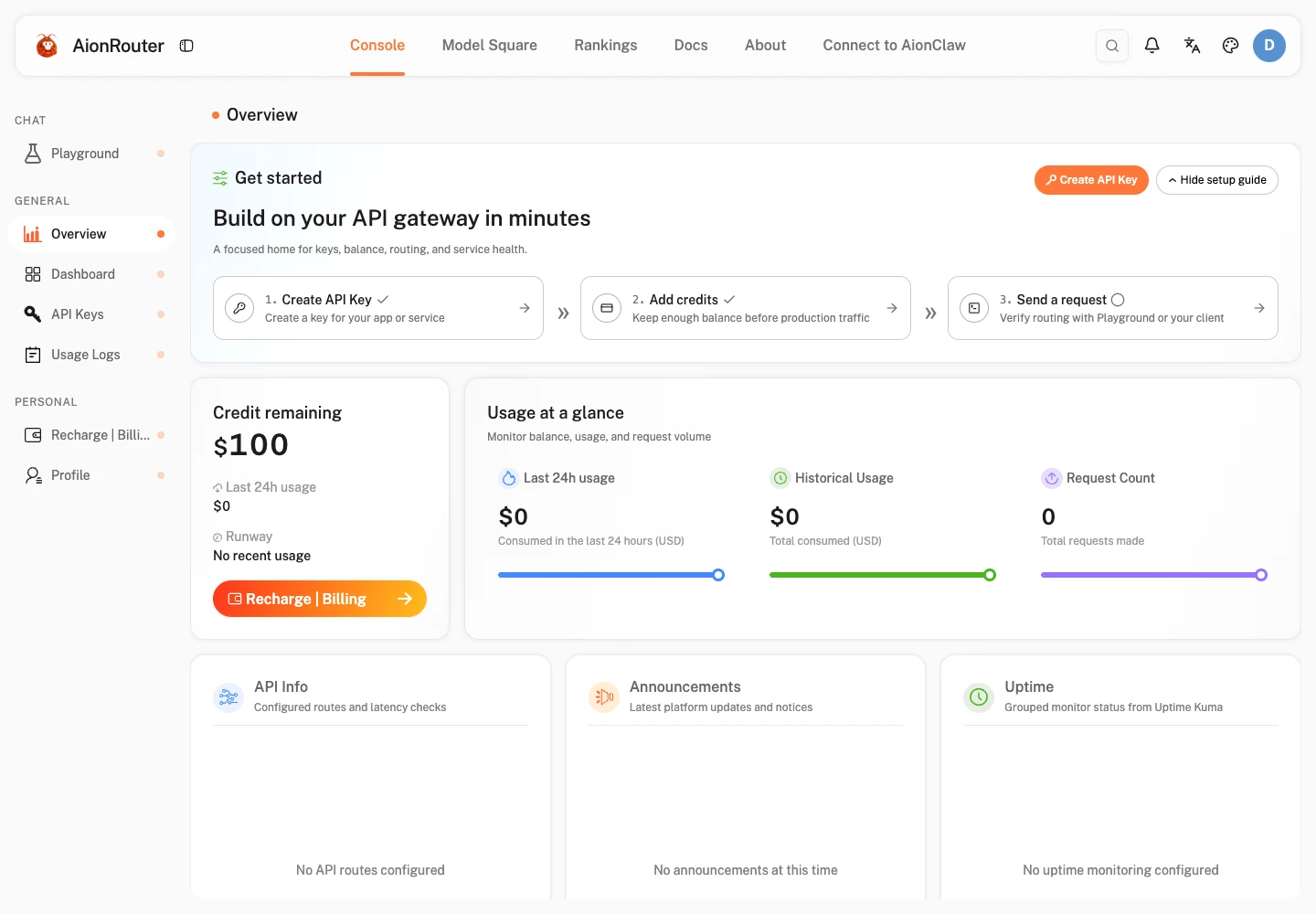
Complete sign-in and any verification requested on screen, then open the console to create an API key and add credits.
Recommended next step
After signing in, follow the “Get started in three steps” guide on the console home page to configure your first model service, or refer to [Quick Start].
Account security and signing out
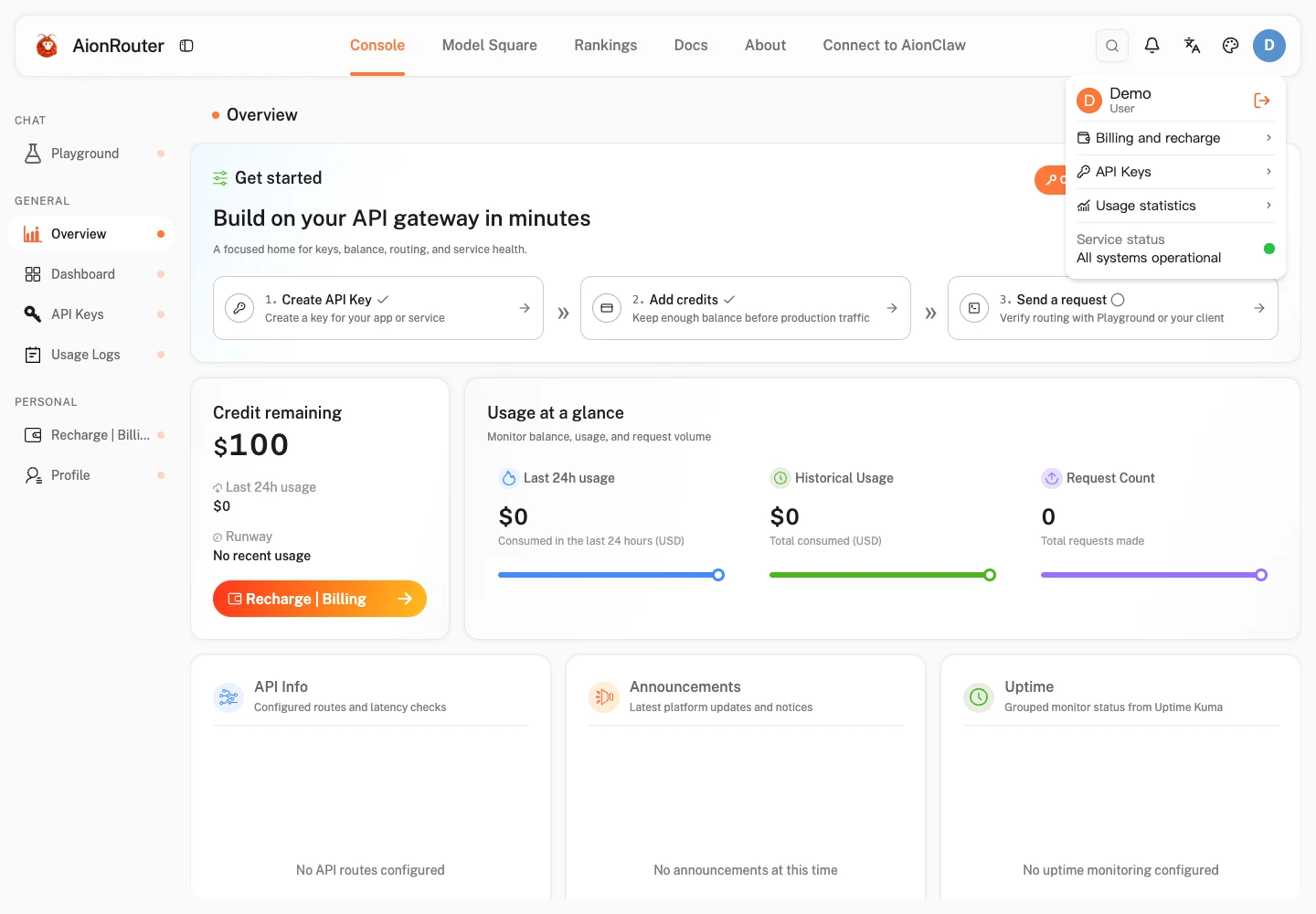
- Sign out: Click your avatar in the upper-right corner of the console and select “Sign out” from the drop-down menu.
- Security: Keep your password and API keys private. Sign out after using a shared device.