User Guide / Quota and Recharge
Quota and Recharge
Quota is the platform's internal billing unit. Consumption = actual token count × model multiplier. Click “Recharge/Billing” in the left navigation.
Recharge methods
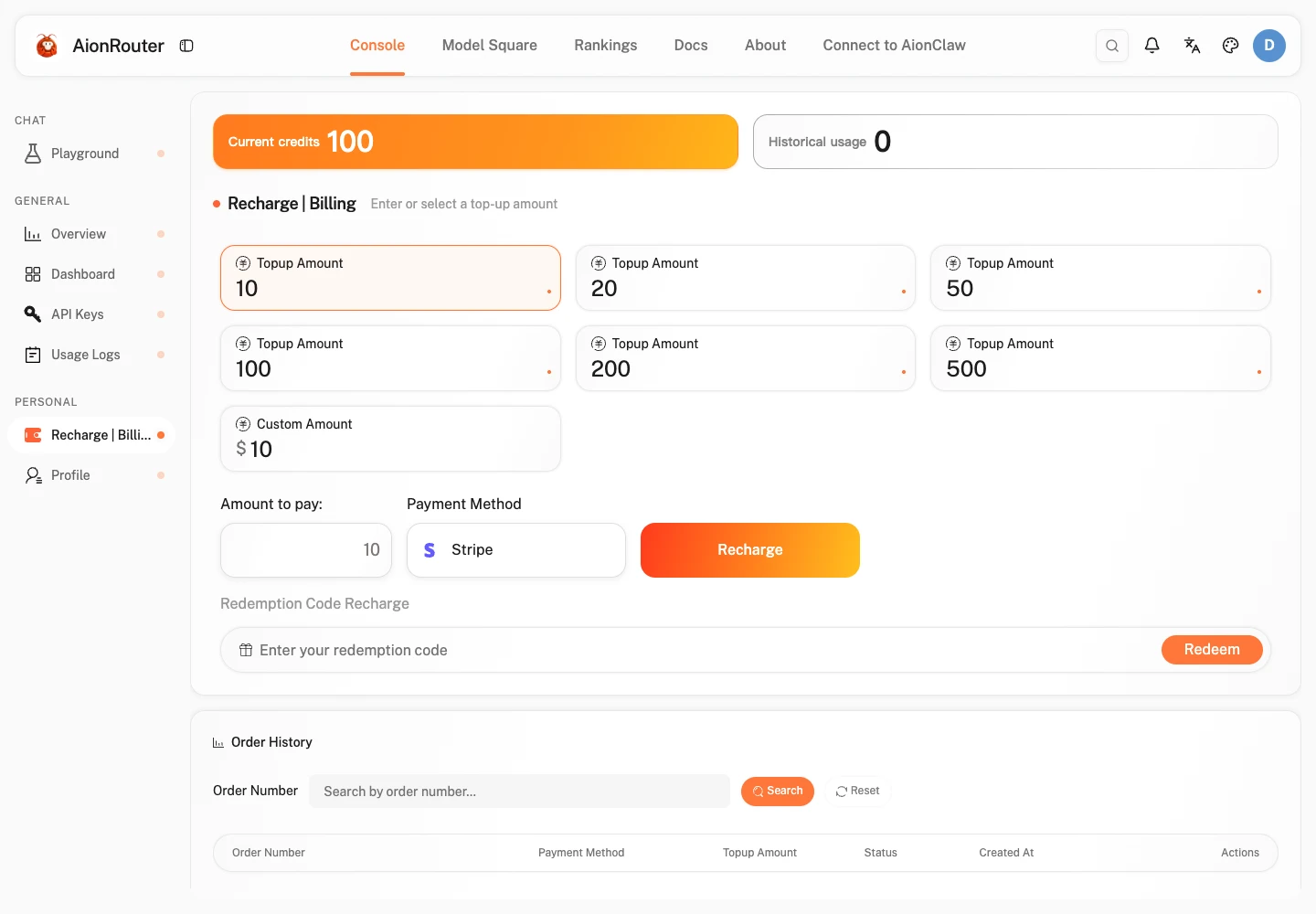
You can increase your account quota through online payments or redemption codes.
| Recharge method | Description |
|---|---|
| Redemption code | Enter a redemption code generated by an administrator to add quota directly. |
| Preset amount payment | Stripe, WeChat |
| Custom amount | Stripe, WeChat |
Online payment recharge
Choose a recharge amount
Select a recharge amount on the recharge page, or enter a custom amount manually.
Complete payment
- Choose a payment method (Stripe, WeChat).
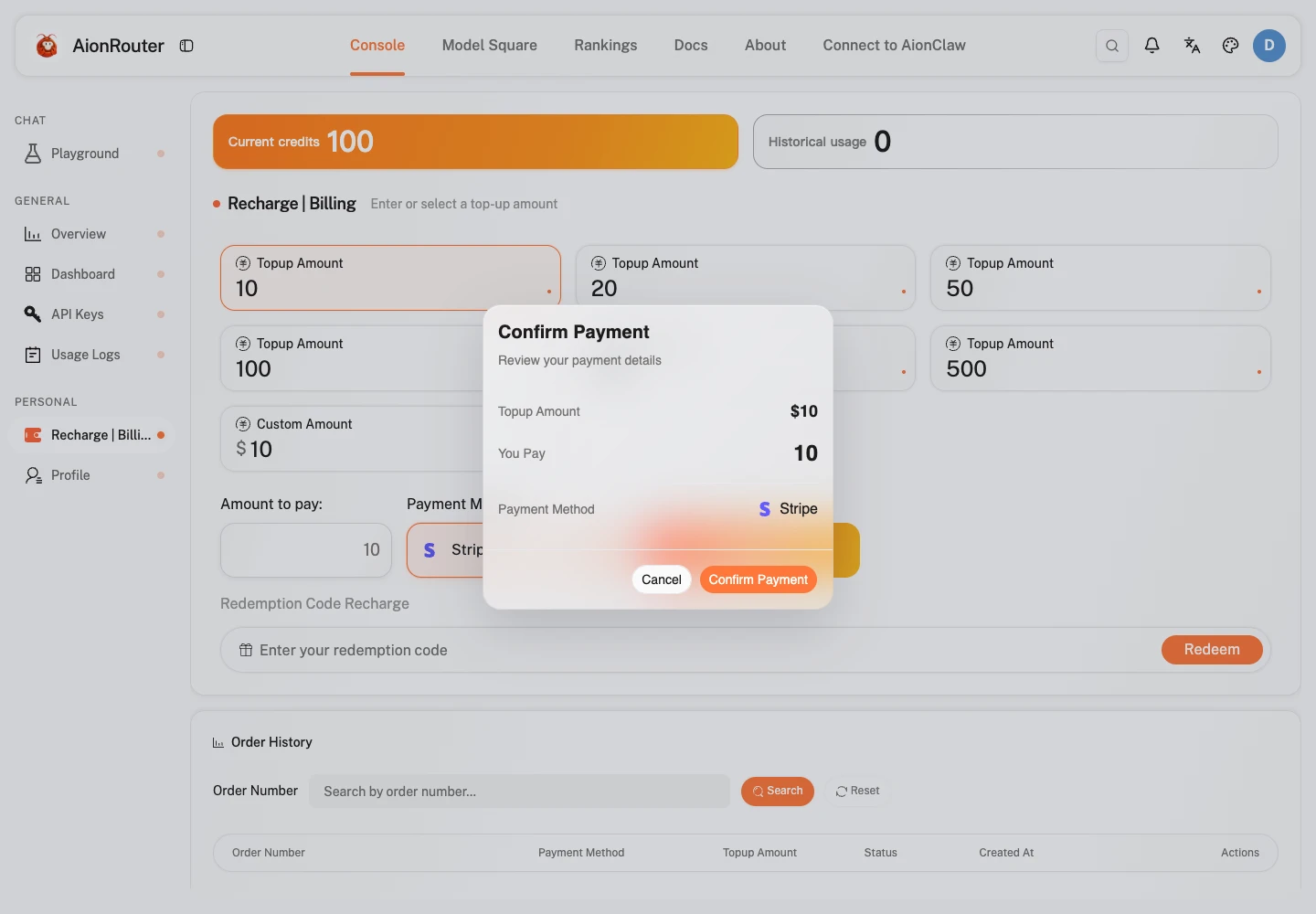
- Click “Recharge” to go to the corresponding payment platform.
- After completing payment on the payment platform, you are automatically redirected back and your account balance is updated.
Recharge with a redemption code
Enter a redemption code
- Find the “Redemption code” input area on the recharge page.
- Paste or enter the redemption code provided by an administrator.

Complete redemption
- Click “Redeem” to validate the redemption code.
- After successful redemption, the page shows the quota received and your account balance is updated.